


What is a virtual card, and when should you use one?
A virtual card is a digital copy of a payment card that lives in your app. Here is how it works, where it is safer than a plastic card, and how to use it well.
On this page
Key takeaways
- A virtual card has its own number, expiry date and security code, but no plastic.
- You can use it the moment it is issued, before a physical card arrives.
- Freezing or replacing it takes seconds, which limits the damage if details leak.
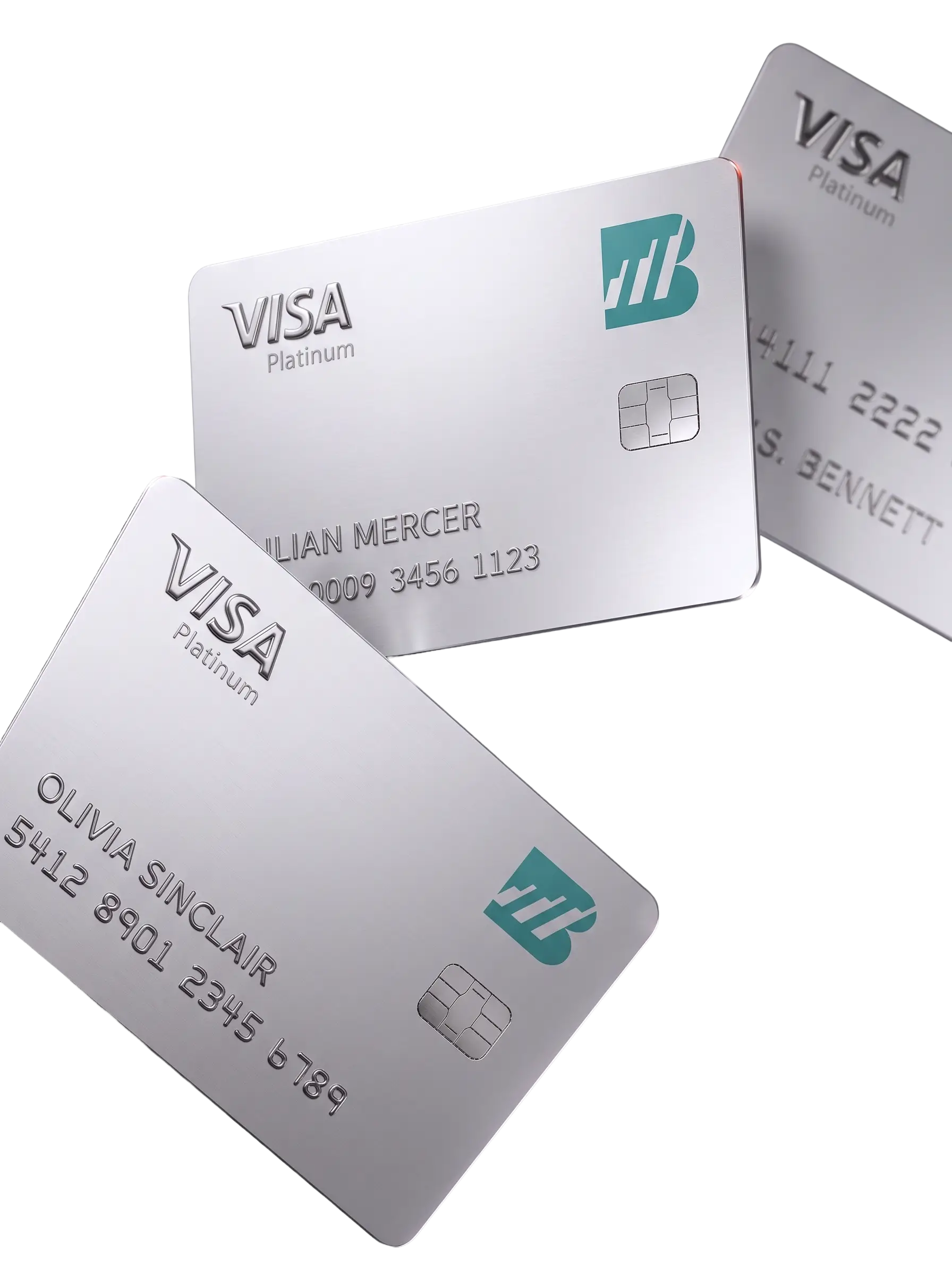
A virtual card is a payment card that exists only in your banking app. It has a card number, an expiry date and a security code, just like a plastic card, so you can use it online, in apps and with mobile wallets.
How a virtual card works
When you create a virtual card, your bank issues new card details linked to your account. Payments come straight from your balance, and you see each one in the app in real time.
When to use a virtual card
- Online shopping with shops you have not used before.
- Subscriptions and free trials, so you can stop payments by freezing the card.
- Travel bookings made before your physical card arrives.
- Team spending in a business, with one card per person or supplier.
Keeping your card safe
- Turn on payment notifications so you see every transaction.
- Set spending limits for online payments.
- Freeze the card straight away if you spot something unusual.
Frequently asked questions
Can I use a virtual card in shops?
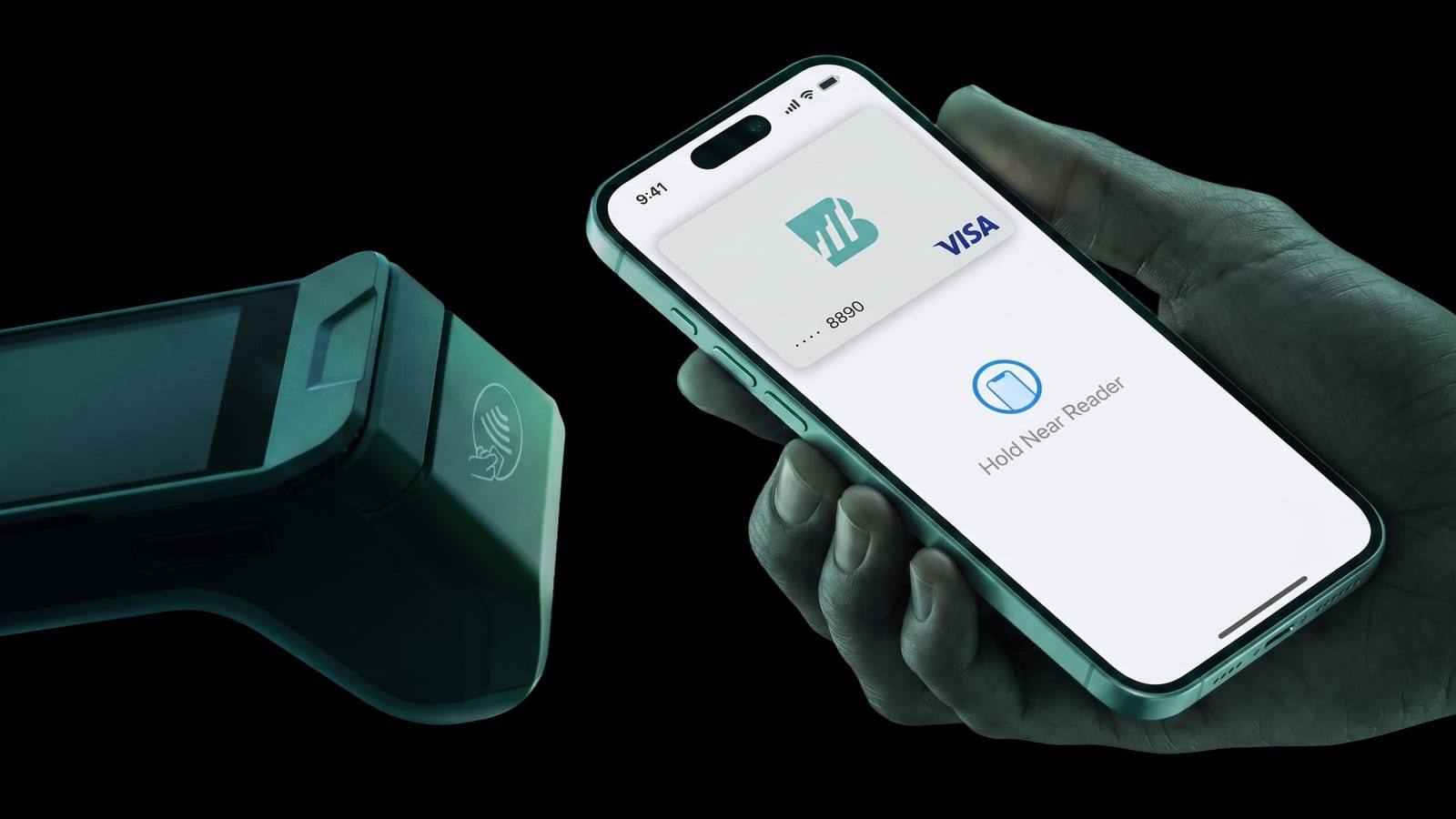
Yes, once it is added to Apple Pay or Google Pay you can pay contactless in shops.
Is a virtual card safer than a physical one?
For online shopping it usually is, because you can freeze or replace it instantly and keep your main card details private.